Teams background with your company logo
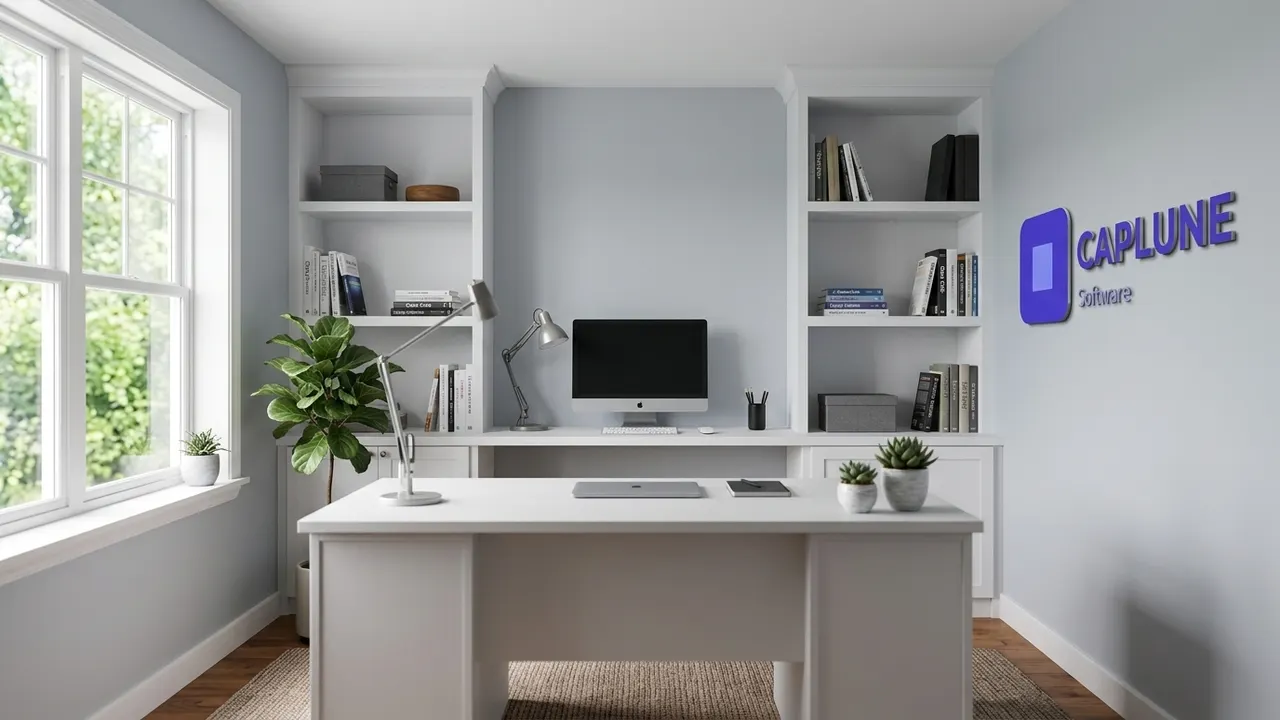
Upload your logo, pick an office style and get a photorealistic 1920×1080 virtual background with your logo mounted on the wall like a real sign.
Free preview in 30 seconds · 10 HD backgrounds for €9 · Team €19/month
Examples generated with Dream Office


Logos of fictional companies created for this demo. Images generated with Dream Office.
Why a branded Teams background?
Your background is the first thing clients and candidates see. A branded background makes every call look consistent and professional, and it hides your kitchen. Dream Office doesn't just paste your logo on a photo: it renders it inside the scene as 3D lettering, brushed metal or wood signage with realistic shadows.
The right size for Microsoft Teams
- 1920×1080 px (16:9) – stays sharp full screen.
- JPG, PNG or BMP.
- Keep the centre clear: that's where you sit. The logo belongs on the side.
- Teams mirrors your own preview; others see your logo the right way round.
How to add it in Teams
- In a meeting, click More (…) → Video effects and avatars.
- Choose Add new and select your image.
- Click Apply. It stays available for future meetings.
Frequently asked questions
Is it free?
The watermarked preview is free. HD downloads cost €9 for a pack of 10, or €19/month for the Team plan (50 backgrounds/month).
Does it work with Zoom and Google Meet?
Yes – it's a standard 16:9 image that works on Teams, Zoom, Meet, Webex and more.
Will my logo be readable?
Yes, upload a sharp logo at least 500 px wide; horizontal logos work best.
Can I make backgrounds for my whole team?
Yes, the Team plan gives you 50 backgrounds every month.
Free preview in 30 seconds · 10 HD backgrounds for €9 · Team €19/month