Custom Google Meet background with your logo
A branded office background for Google Meet in seconds, plus the exact steps to upload it.
Create my background with my logo
Free preview in 30 seconds · 10 HD backgrounds for €9 · Team €19/month
Examples generated with Dream Office

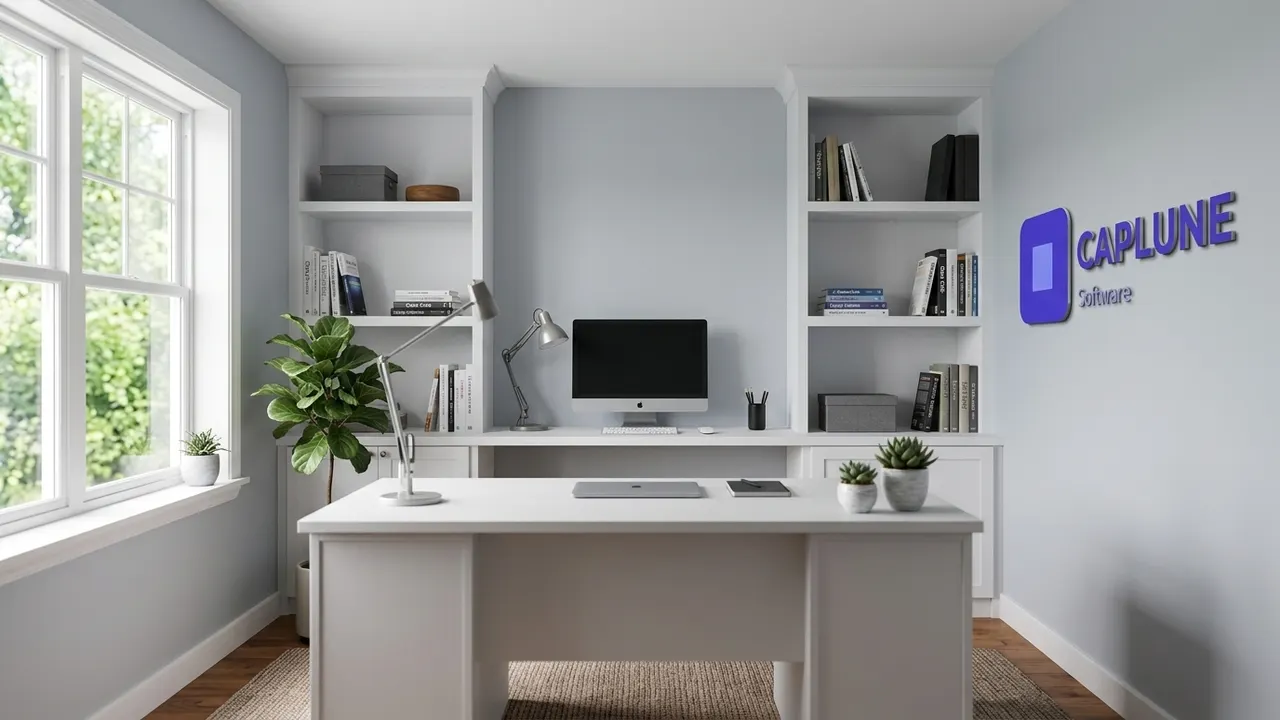

Fictional company logos created for demonstration. Images generated with Dream Office.
How to upload a custom background in Google Meet
- Before or during a call, click Apply visual effects.
- Under Backgrounds, click + Upload a background image.
- Select your Dream Office image. It is saved for future calls.
Note: some Google Workspace admins disable custom backgrounds.
Best format
1920×1080 px, 16:9, JPG or PNG, logo on the side.
How it works
- Upload your logo to Dream Office.
- Pick a setting and get a free preview.
- Download the HD background.
- In Meet, Apply visual effects → Upload a background image.
Frequently asked questions
Why can't I upload a background in Meet?
Your Workspace admin may have disabled it, or your browser/device may not support effects.
What does it cost?
Free preview, €9 for 10 HD backgrounds, €19/month for teams.
Related guides
Create my background with my logo
Free preview in 30 seconds · 10 HD backgrounds for €9 · Team €19/month